Learn Create Grow Explore!
Learn Create Grow Explore!
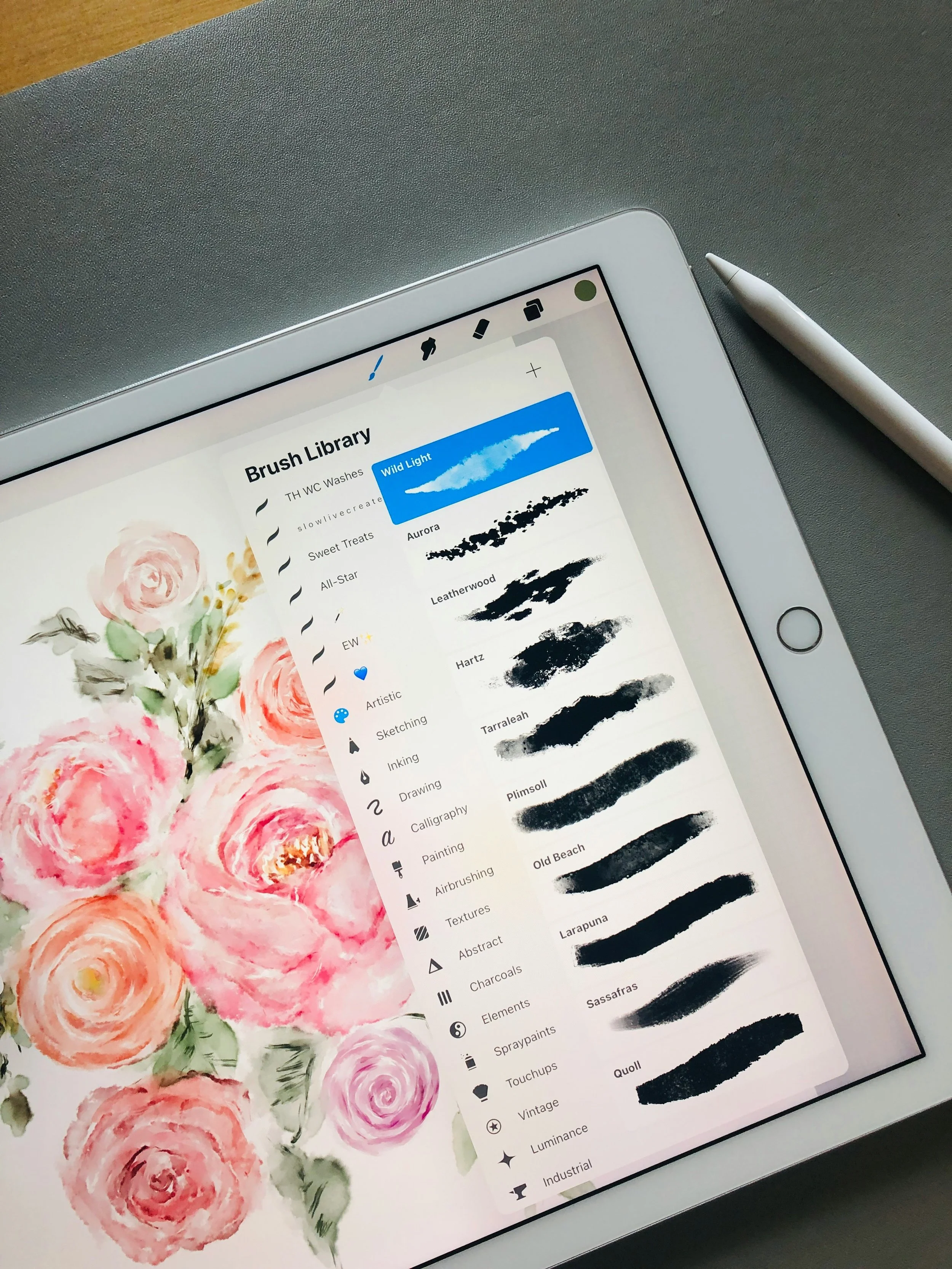
Introduction to Procreate is a beginner-friendly course that teaches you how to confidently navigate the Procreate app and start creating your own digital art. You’ll learn the essential tools, tips and tricks, brushes, layers, blending techniques, creating color schemes, using reference photos and more. All the while working through guided projects and activities that help bring your creative ideas to life as beautiful and original digital art pieces. No prior drawing or design experience required.
Class Details: virtual course held over zoom for 4 Saturdays from October 3rd - October 24th, 10:00-11:30am ET
what can you do on proreate?
-
![]()
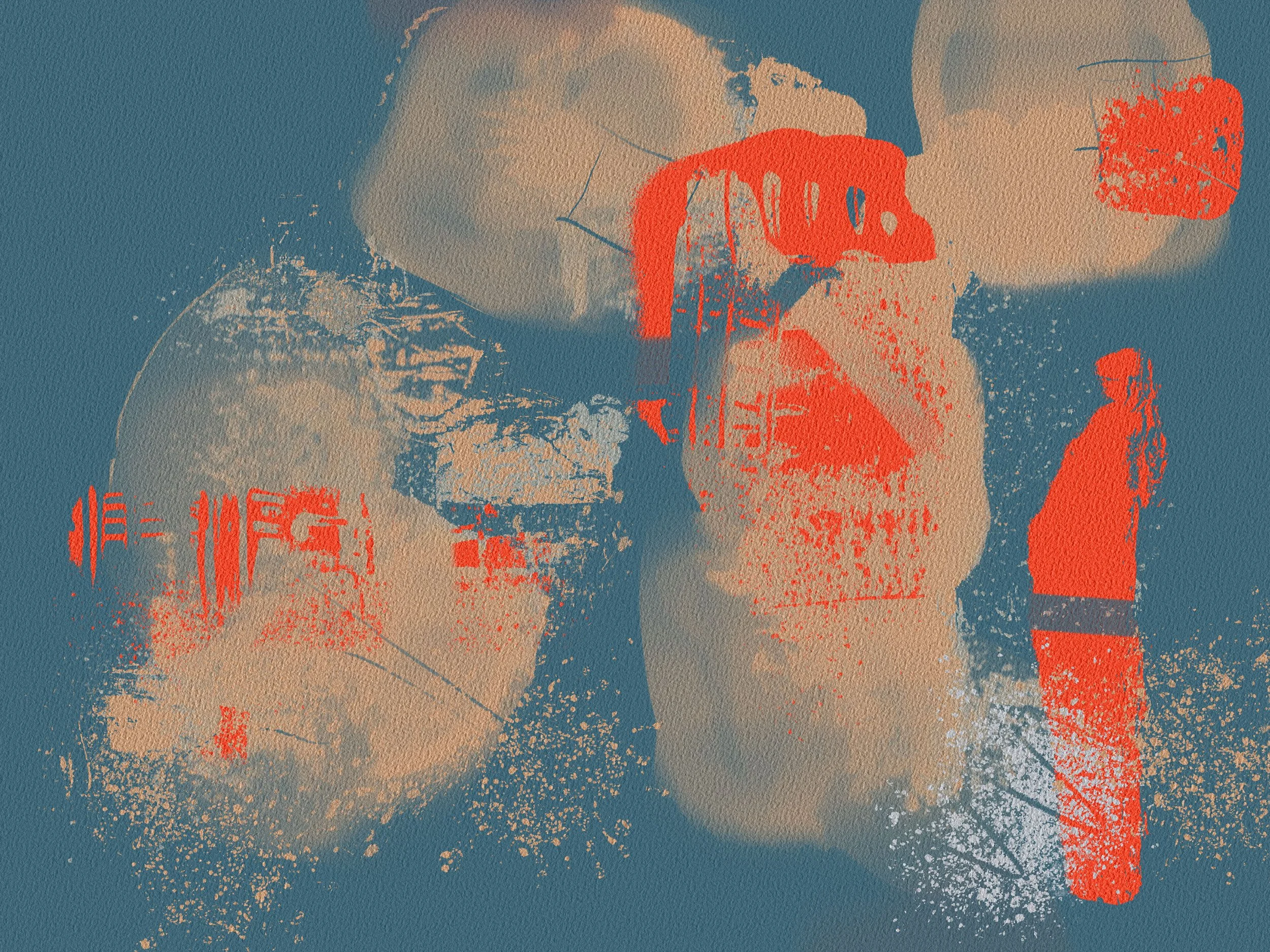
Creating Photo Collages
-
![]()
Exploring Textural Brushes
-
![]()
Exploring Composition
-
![]()
Creating Color Schemes
-
![]()
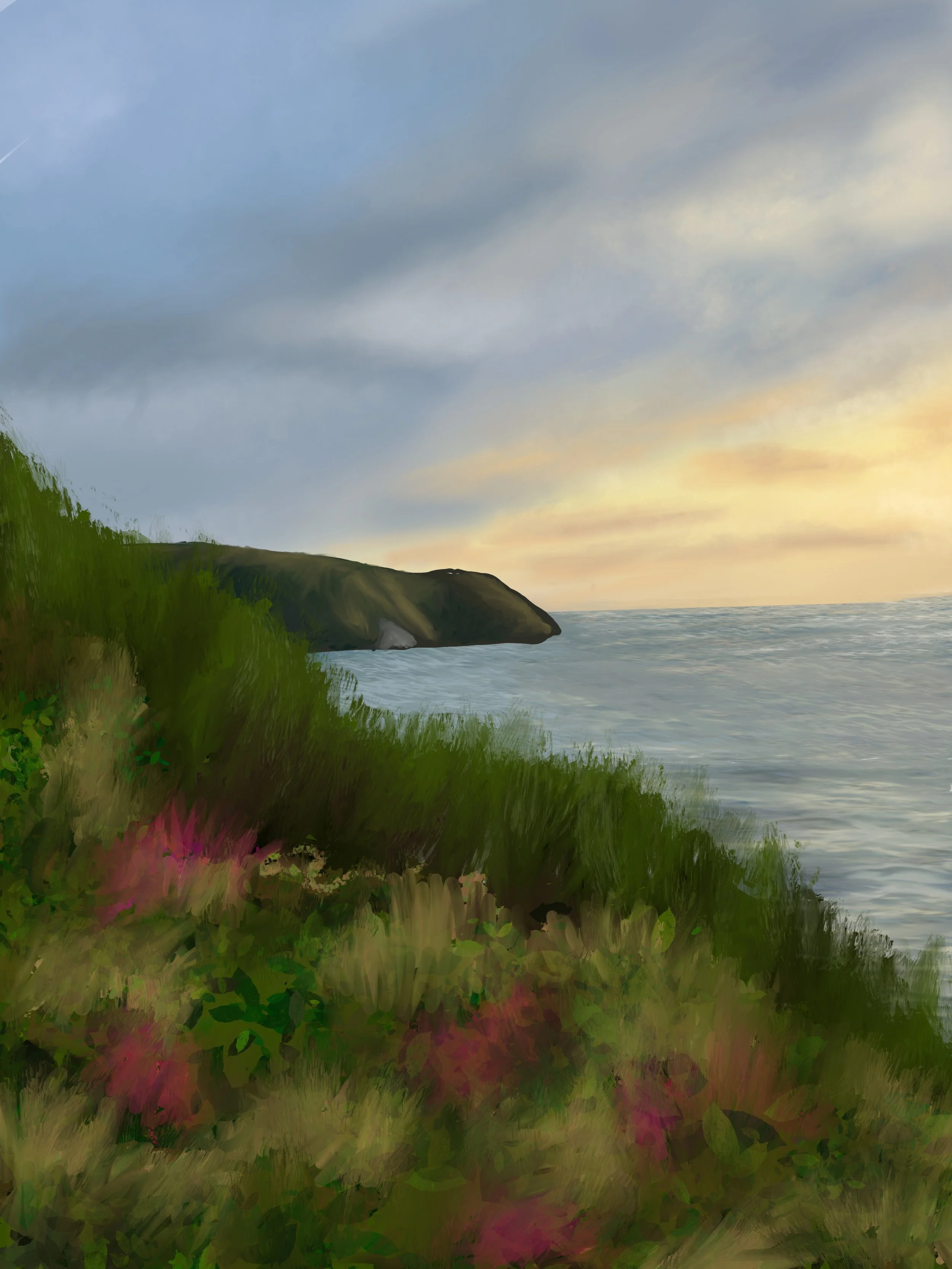
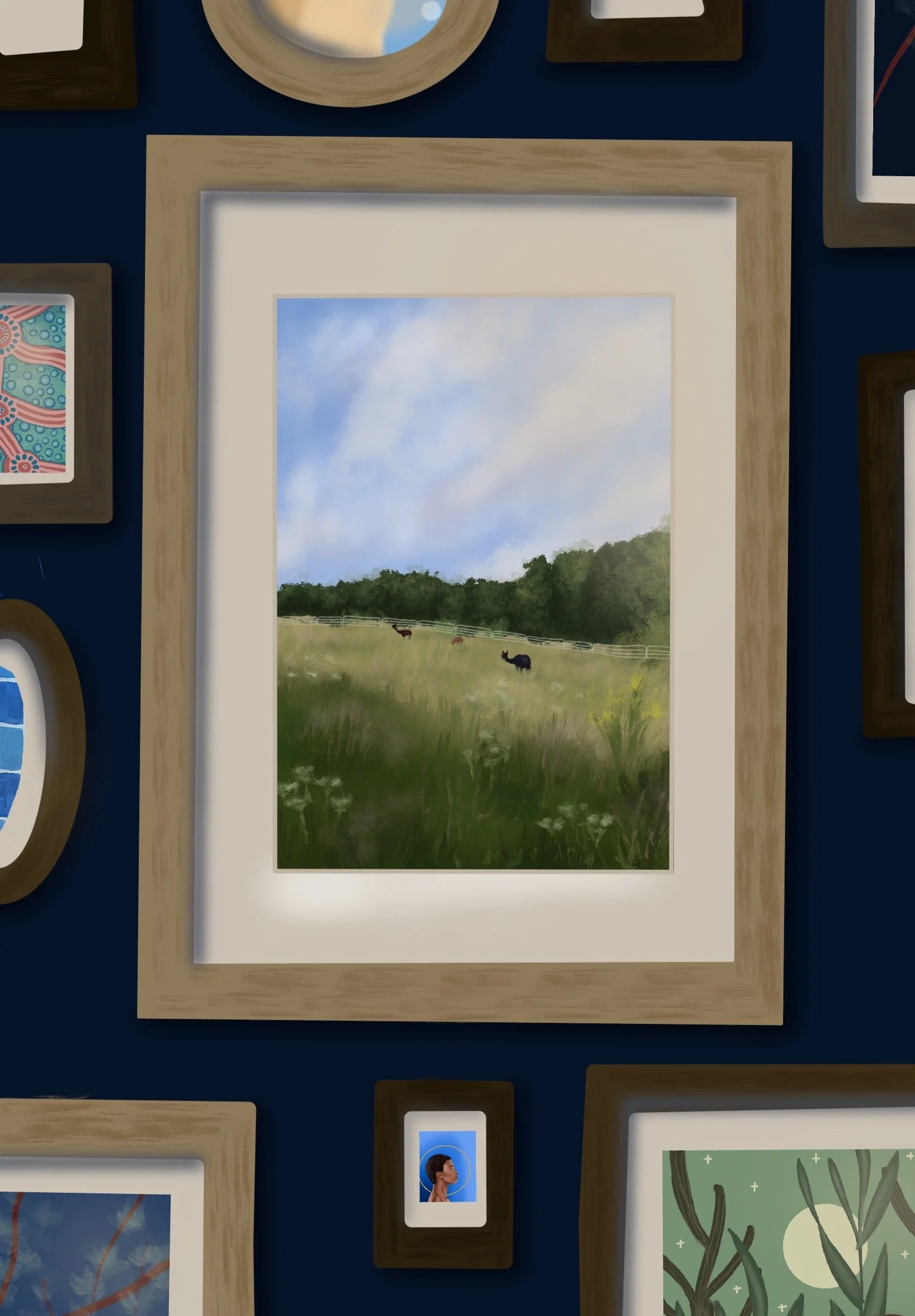
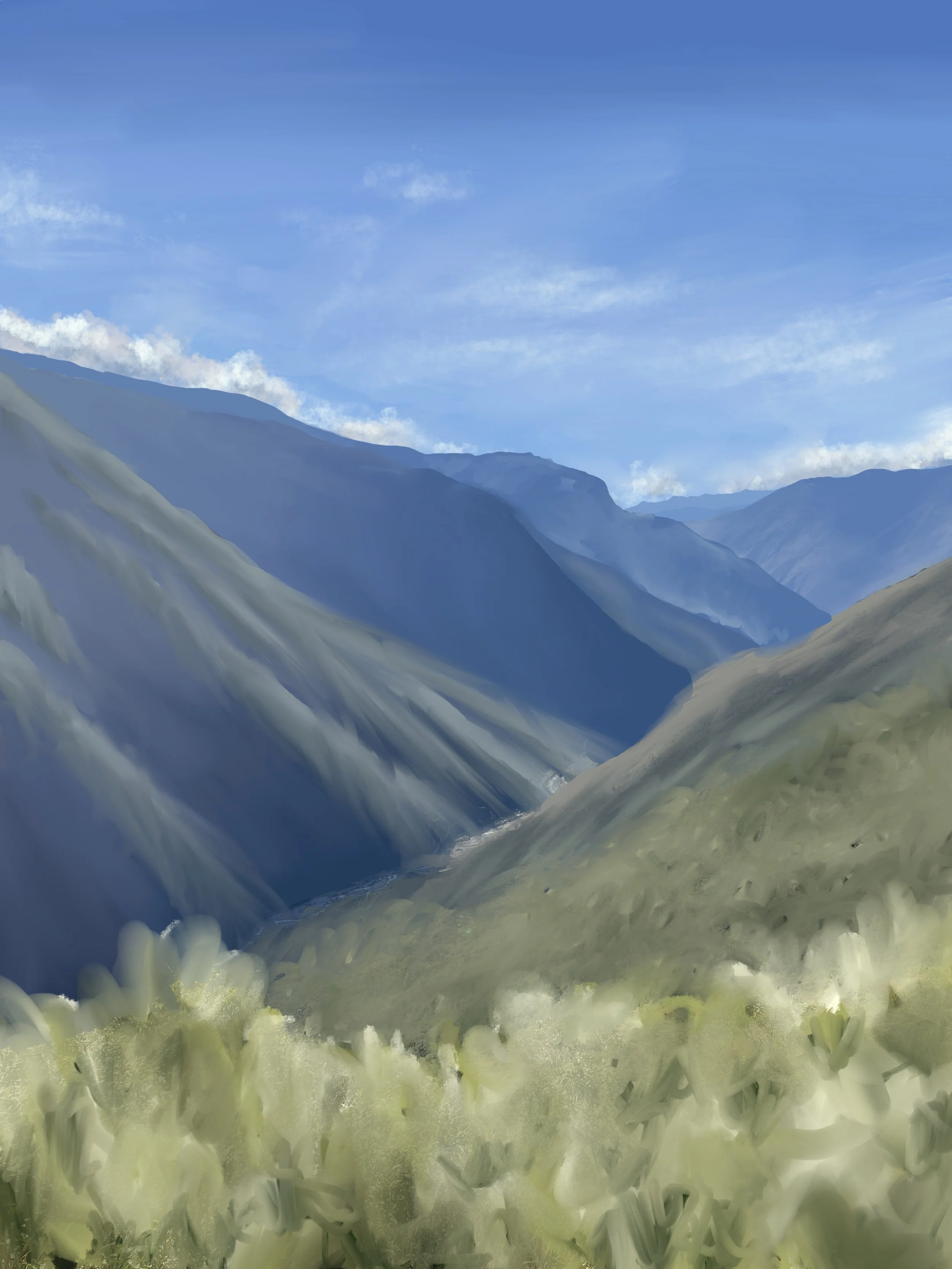
Painting Digital Landscapes
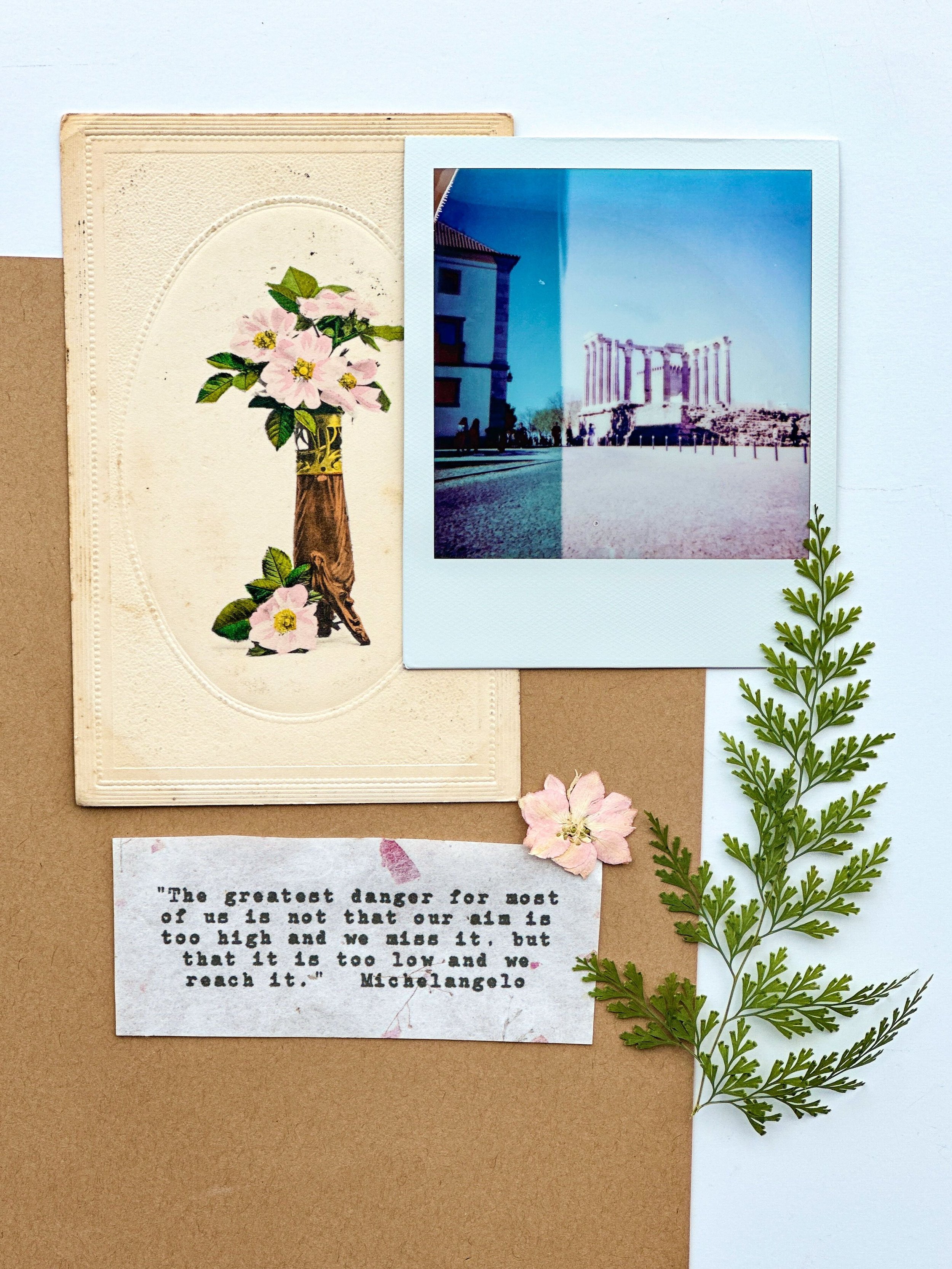
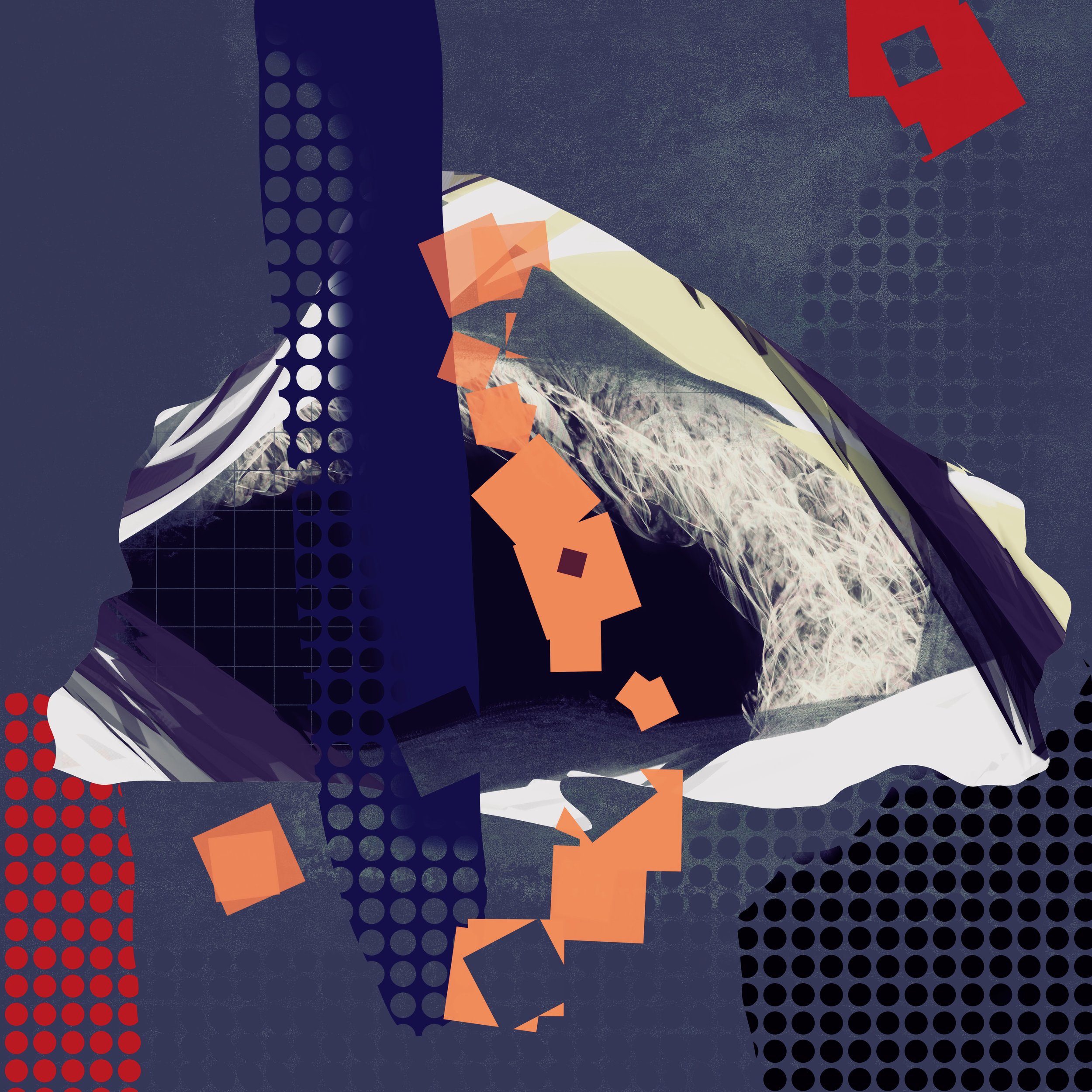
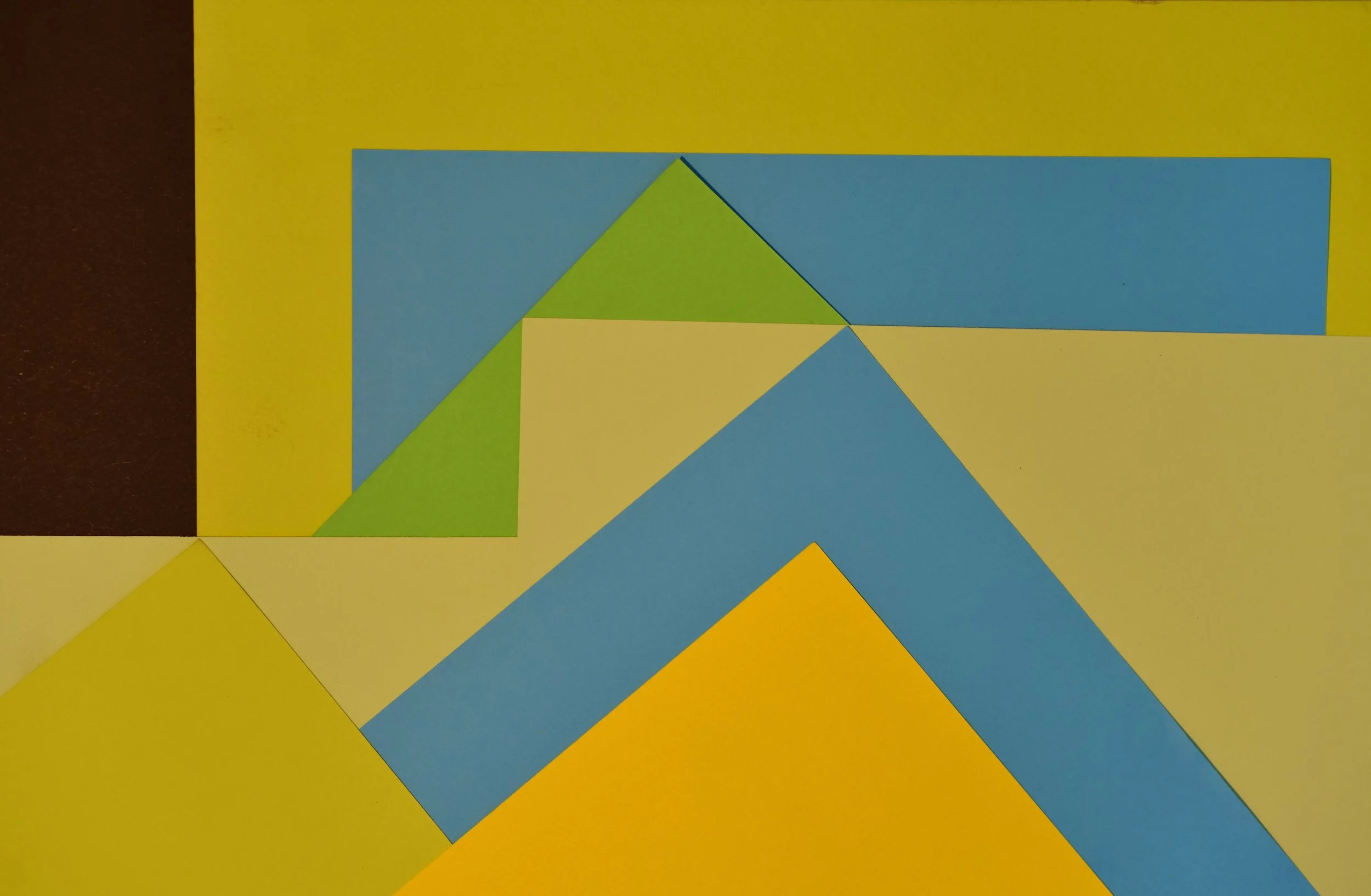
Introduction to Procreate is a beginner-friendly course that teaches you how to confidently navigate the Procreate app and start creating your own digital art. You’ll learn the essential tools, tips and tricks, brushes, layers, blending techniques, creating color schemes, using reference photos and more. All the while working through guided projects and activities that help bring your creative ideas to life as beautiful and original digital art pieces. No prior drawing or design experience required.
Class Details: virtual course held over zoom for 4 Saturdays from October 3rd - October 24th, 10:00-11:30am ET
Course Details
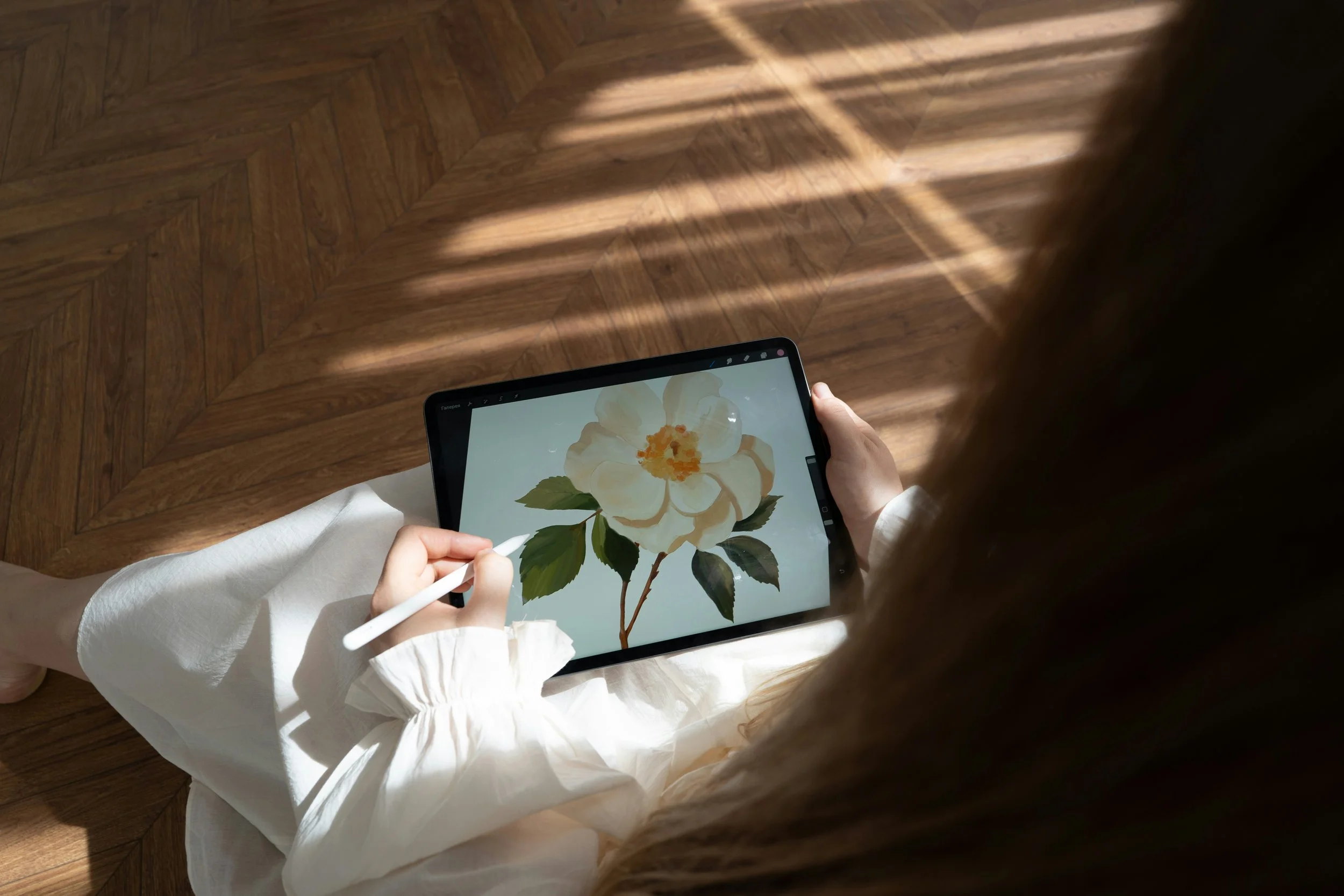
Join us for a 4-week hands on course designed to take you from Procreate beginner to confident digital artist, with live instruction and guided practice each session.
Ages
Best for adults and teens
Dates
October 3rd - October 24th, every Saturday for 4 weeks
Time
10:00am - 11:30pm EDT
Location
Video classes done on zoom. Link sent to your email after registering
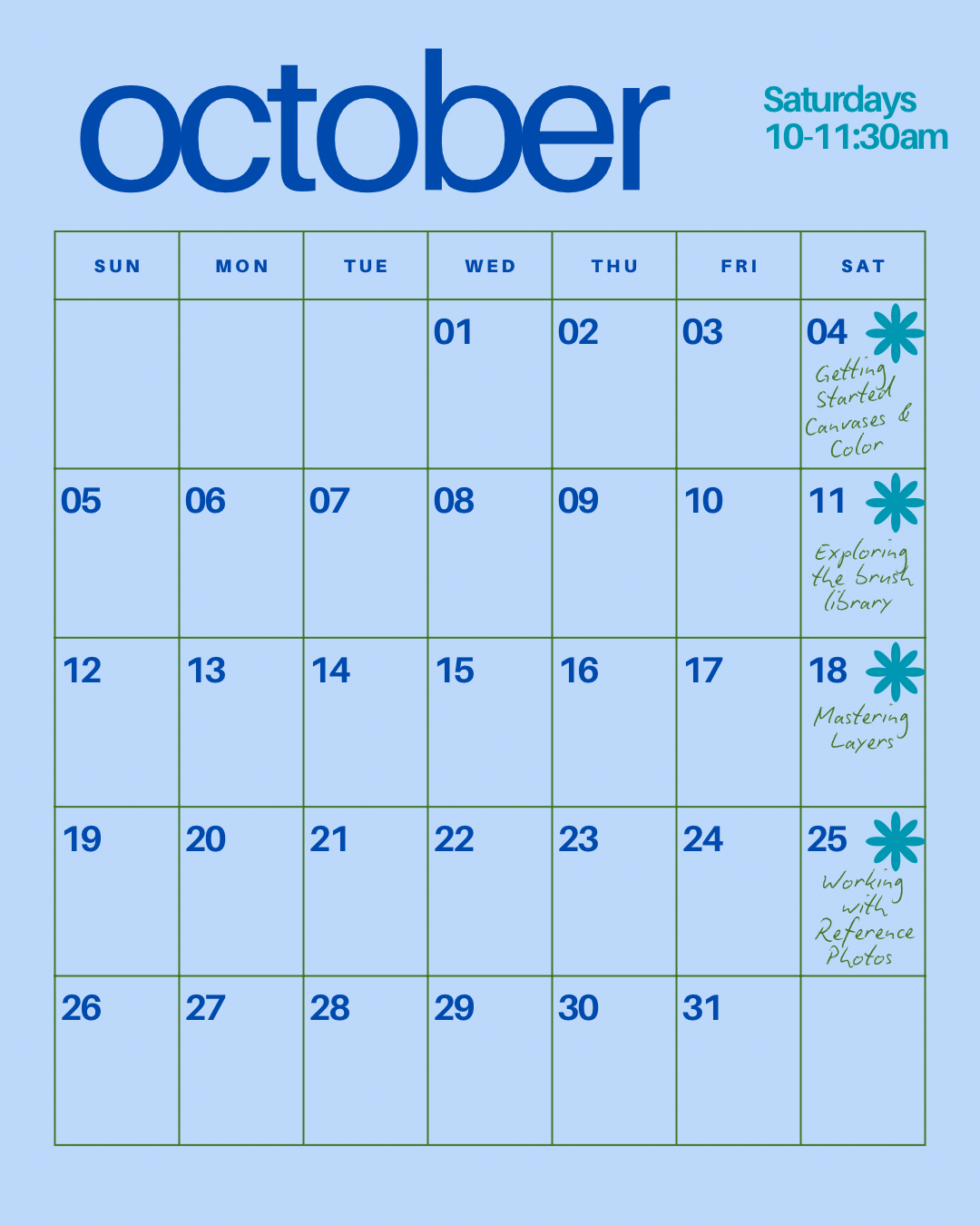
Class Schedule
-
Learn how to set up your canvas with the right dimensions and resolution, then explore Procreate’s color tools, including the color wheel, palettes, and saving custom swatches for your projects.
-
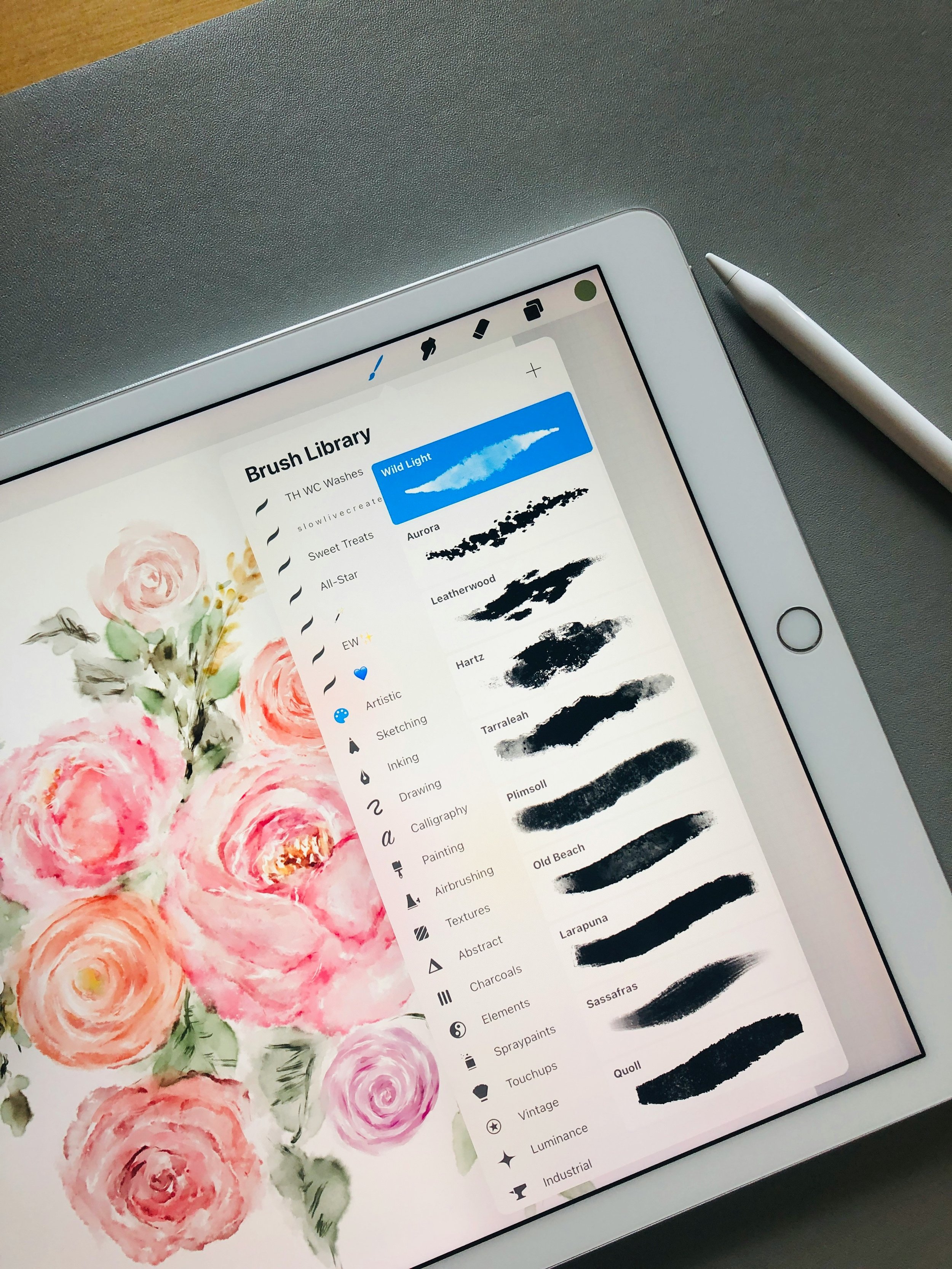
Dive into Procreate’s extensive brush collection and experiment with different textures, opacities, and brush setting to discover the tools that best suit your artistic style.
-
Build your artwork with confidence using layers - learn how to organize, blend, mask, and adjust opacity to create depth and flexibility in your pieces.
-
Discover how to import and use reference images to guide your artwork, including tracing techniques, color matching, perspective tools, and tips for creating original pieces inspired by photos.
· From iPad Owner to Digital Artist
· From iPad Owner to Digital Artist
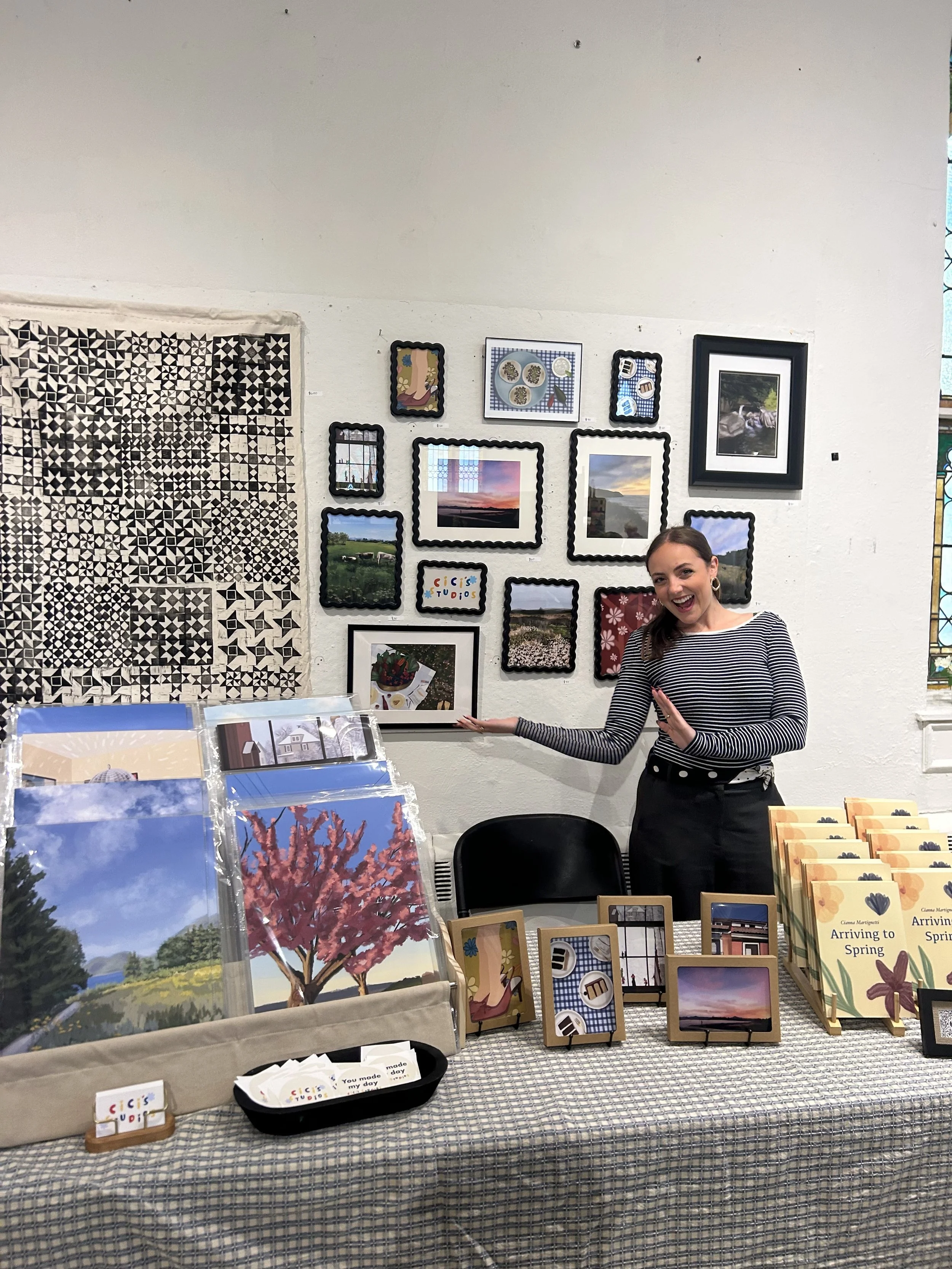
Meet Your Teacher
Longtime art educator and digital artist.
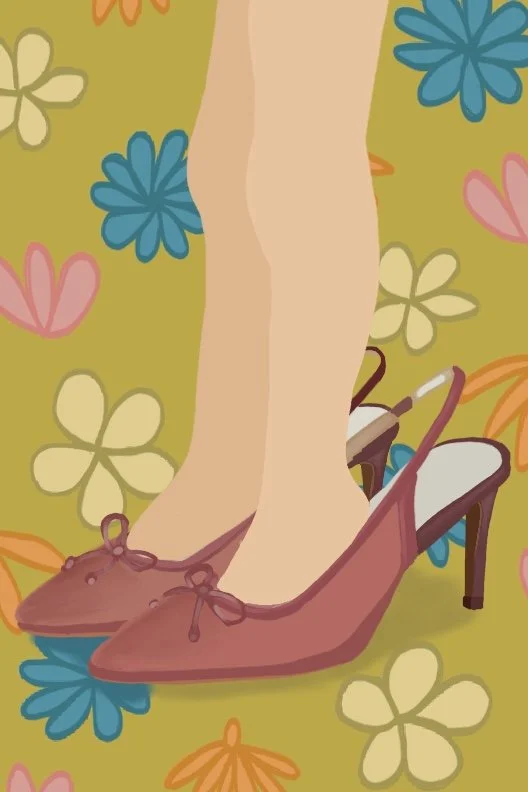
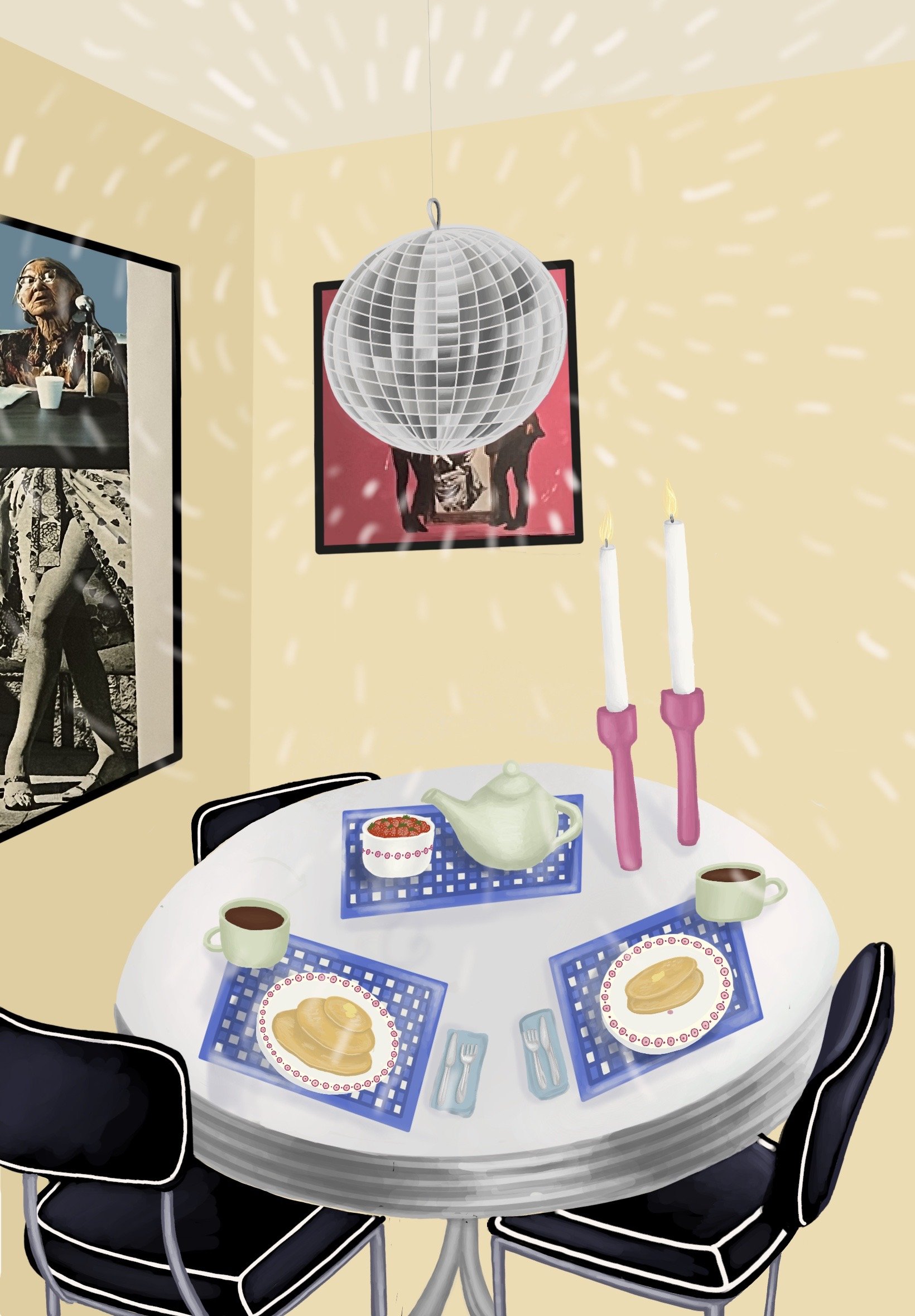
“I kept hearing that Procreate was this awesome app but when I tried it on my own I was completely overwhelmed and confused. But being in Cici’s class she broke everything down so clearly it gave me such an understanding of some of the amazing things you can do. Now I use it to make cards for my kids and plan my acrylic paintings!”
Recent Student
Frequently Asked Questions
Still have questions? Take a look at the FAQ or reach out anytime. If you’re feeling ready, go ahead and apply.
-
No prior experience is necessary - this course is designed for complete beginners and will guide you through everything step by step.
-
You’ll need an iPad compatible with Procreate, the Procreate app (purchased separately from the App Store), an Apple Pencil (if preferred) and a stable internet connection to join via Zoom.
-
Yes, this course welcomes both adults and teens. Younger participants should feel comfortable navigating an iPad independently and following along during live sessions.
-
We recommend attending all four sessions for the best experience, as each week builds on the previous one. If you miss a class, reach out and we’ll share a recording of the class and all additional materials.
-
Absolutely! Each session includes time for live Q&A, and you’re encouraged to ask questions throughout as you work.